OpenAI LLM analytics installation
Contents
- 1
Install the PostHog SDK
RequiredSetting up analytics starts with installing the PostHog SDK for your language. LLM analytics works best with our Python and Node SDKs.
- 2
Install the OpenAI SDK
RequiredInstall the OpenAI SDK. The PostHog SDK instruments your LLM calls by wrapping the OpenAI client. The PostHog SDK does not proxy your calls.
- 3
Initialize PostHog and OpenAI client
RequiredInitialize PostHog with your project API key and host from your project settings, then pass it to our OpenAI wrapper.
Note: This also works with the
AsyncOpenAIclient.Proxy noteThese SDKs do not proxy your calls. They only fire off an async call to PostHog in the background to send the data. You can also use LLM analytics with other SDKs or our API, but you will need to capture the data in the right format. See the schema in the manual capture section for more details.
- 4
Call OpenAI LLMs
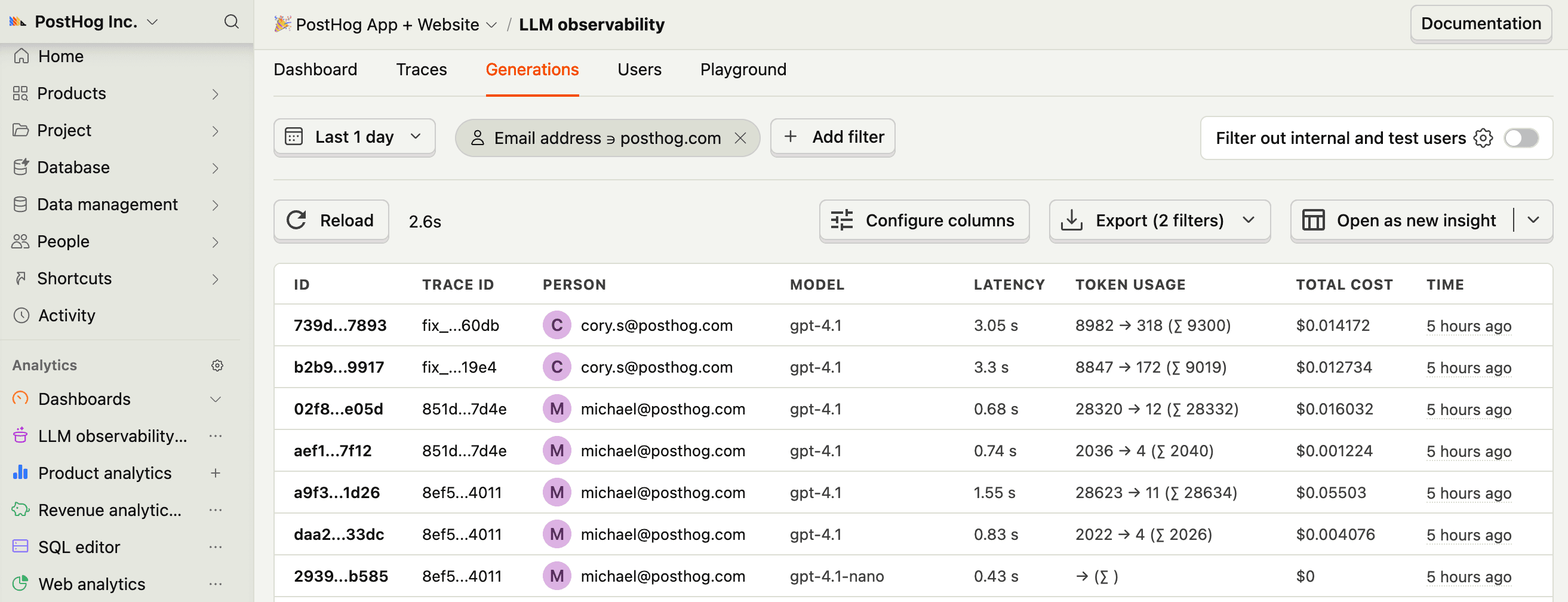
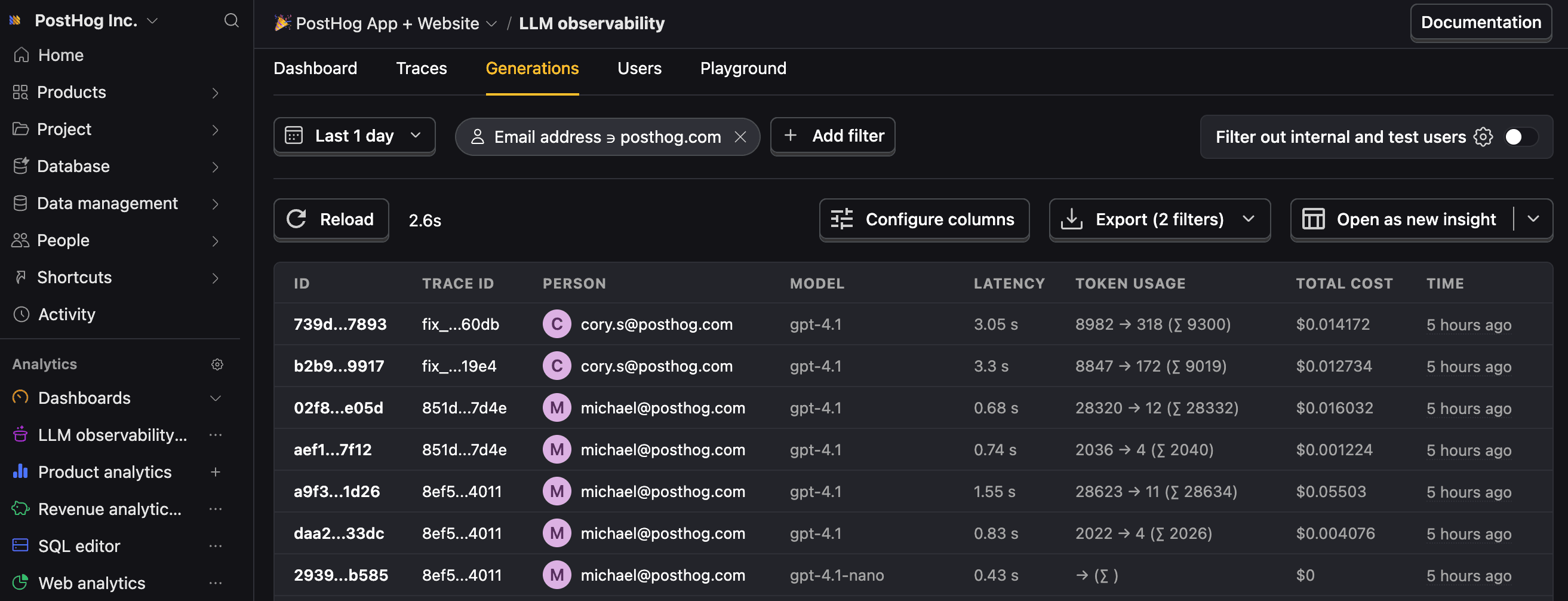
RequiredNow, when you use the OpenAI SDK to call LLMs, PostHog automatically captures an
$ai_generationevent. You can enrich the event with additional data such as the trace ID, distinct ID, custom properties, groups, and privacy mode options.Notes:
- We also support the old
chat.completionsAPI. - This works with responses where
stream=True. - If you want to capture LLM events anonymously, don't pass a distinct ID to the request.
See our docs on anonymous vs identified events to learn more.
You can expect captured
$ai_generationevents to have the following properties: - We also support the old
- 5
Capture embeddings
OptionalPostHog can also capture embedding generations as
$ai_embeddingevents. Just make sure to use the sameposthog.ai.openaiclient to do so: